Medication list
Keep an active list of prescribed stimulant or non-stimulant medicines and the dose you have been instructed to take.
ADHD medication and focus tracking
See your own medication timing and daily check-ins more clearly.
ADHD Companion is a quick medication and daily-pattern tracker for Android. It records what you enter without estimating medication levels, calculating doses or replacing instructions from your prescriber.
 ADHD Companion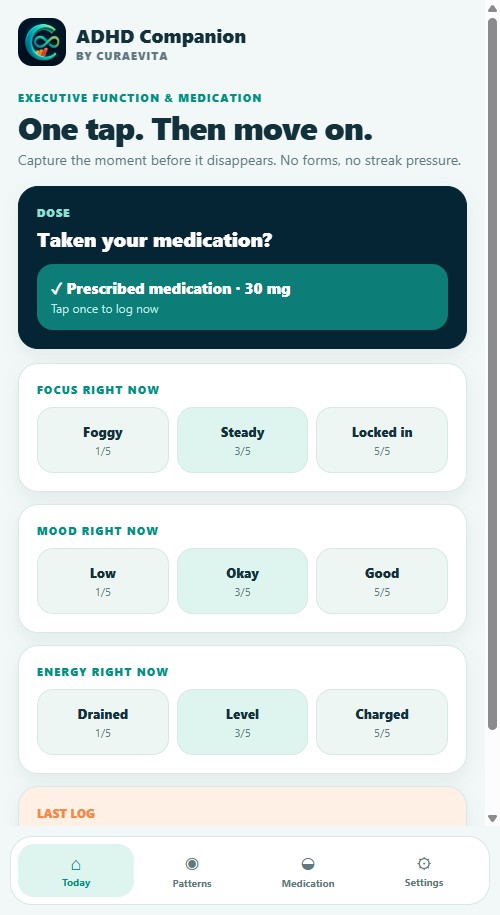
Actual app screen · example data
A closer look
Real app screens with illustrative records. On a small screen, swipe or scroll to explore.
Record prescribed medication, focus, mood and energy in your own diary.
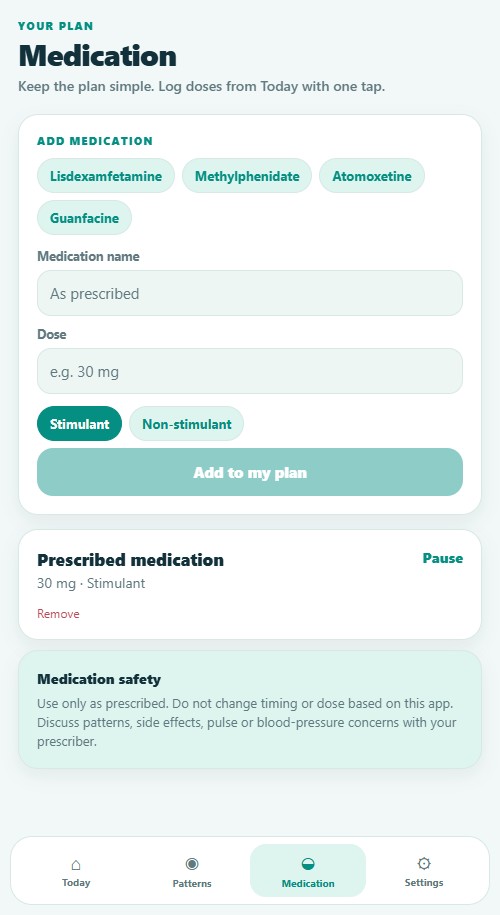
Keep a list of the medicines and doses prescribed to you.
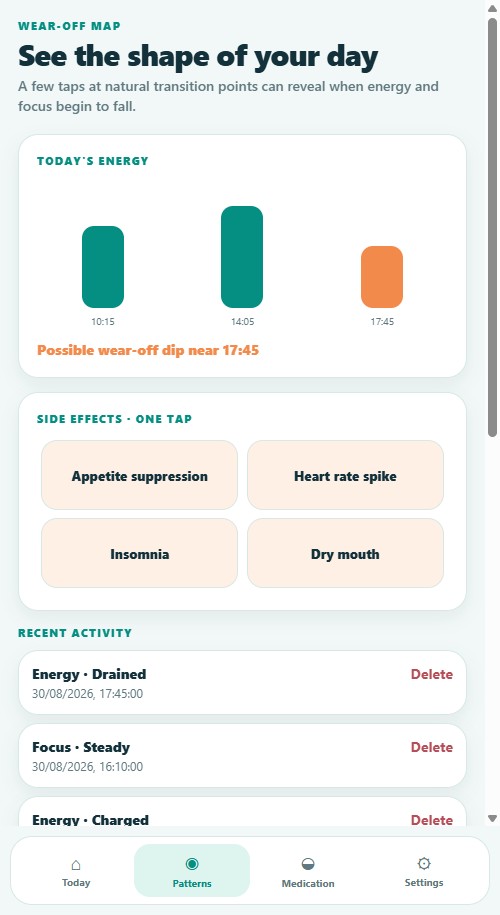
Look back at the energy check-ins you recorded during your day.
Available now
Install the app, review the subscription details shown by Google Play and begin recording only the information that is useful to you.
Who it is for
Designed for adults taking prescribed ADHD medication who want a low-friction way to record dose timing, focus, mood, energy and side-effect observations.
What you can record
Keep an active list of prescribed stimulant or non-stimulant medicines and the dose you have been instructed to take.
Record whether a dose was taken plus focus, mood, energy, side-effect observations, time and an optional note.
Plot same-day energy check-ins against recorded dose timing to help you revisit possible dips without claiming a pharmacological calculation.
Set a local daily prompt for a check-in without creating a CuraeVita account.
Use a device-supported biometric or passcode gate to control screen access.
Export a CuraeVita backup file you control and restore it later with validation.
Reports for appointments
You choose the reporting period and whether to save or share the resulting PDF. CuraeVita does not send the report to a clinician for you.
A 24-second introduction
A short walkthrough of genuine ADHD Companion screens using example records. This is a screenshot presentation, not a recording of live taps or a purchase.
Watch without sound, or explore the screenshots above. No autoplay and no account needed.
Download the app introduction (MP4) ↓Privacy in practice
Subscription
UK price per app. Eligible new Google Play subscribers may receive a seven-day free trial. Google Play confirms your local price, eligibility and renewal terms before purchase.
Frequently asked questions
No. It plots your own energy check-ins against the dose time you recorded so you can revisit your observations.
No. It is a personal record only. Follow your prescriber’s instructions and discuss any concerns with them.
Yes. Create a PDF summary for 30 days, 90 days or your full recorded history and choose whether to save or share it.
£0.99 per month per app in the UK. Each Companion has a separate subscription. Google Play shows your local price, any seven-day trial eligibility and the renewal date before you confirm.
Manage or cancel renewal in Google Play under Payments and subscriptions. Uninstalling the app does not cancel a Google Play subscription.
Yes. Use Restore purchases inside the app while signed in to the Google Play account that made the purchase.
Explore the family